The Accelerator Pedal: Timing Turbo and Quick-Stop Settings on Booming Slots

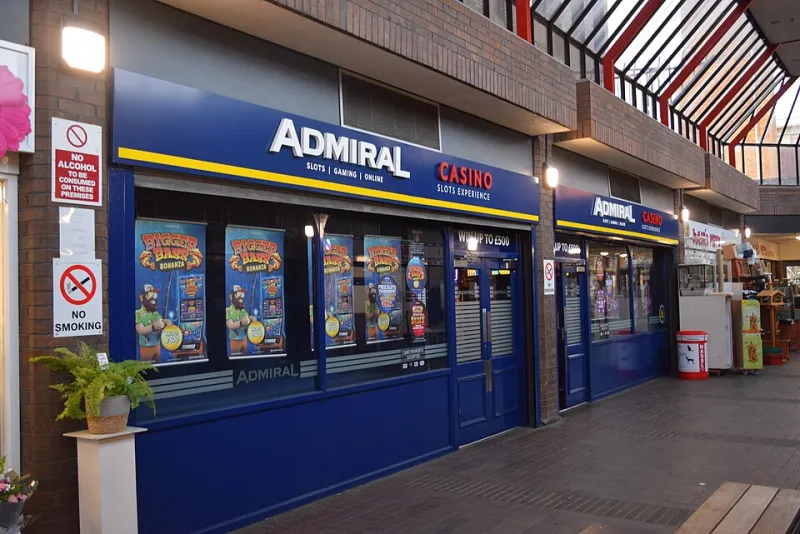
Photo: Nenad Stojkovic, CC BY 2.0, via Wikimedia Commons
Speed settings on slot games rarely get a second glance. They sit in a cog menu, behind a lightning-bolt icon, or sometimes switched on by default. But turbo spin, quick stop and slam stop do something simple and important: they change how fast you play. On a Booming slot with a lively theme and a decent hit rate, that difference can be the gap between a relaxed £20 session and a blur of stakes that ends before the kettle boils.
We are not here to wag a finger at fast play. Some players like a brisk pace, and there is nothing wrong with that. The point of this audit is practical: what do these settings actually change, how much quicker do they make a session, and what should a UK player check before flicking the switch?
How we timed the pace
We tested a small selection of Booming titles at UK-licensed casinos, including games in the Tiger Claw and Buffalo Power family, on both desktop and mobile. The method was deliberately low-tech: a stopwatch, 100 manual spins on default settings, then 100 spins with turbo and quick stop enabled where available. We kept the stake at 20p and recorded the elapsed time.
This is not a laboratory study. Connection speed, device, browser and the game's own animation length all affect the numbers. But the pattern was consistent enough to be useful. Default manual play generally landed in the region of 15 to 25 spins per minute. Turbo mode pushed that to roughly 40 to 60. With quick stop or slam stop also active, some games comfortably passed 60 spins per minute. Your mileage will vary, but the direction of travel does not.
What turbo actually changes
Turbo does not alter the reels, the RTP or the odds of a given spin. It trims the theatre. Win animations may be shortened, reel spins speed up, and the gap between pressing the button and seeing the result gets smaller. Quick stop goes a step further by cutting the reel animation itself, while slam stop ends the spin almost immediately.
The important bit for safer play is that none of these settings make a game more or less likely to pay. They simply let you fit more spins into the same hour. That is not a neutral change for your bankroll. If you normally play 20 spins a minute at 20p, you are staking around £4 a minute, or £240 an hour. At 60 spins a minute, the same stake becomes £12 a minute, or £720 an hour. The RTP is unchanged per spin, but your exposure per hour is not.
That maths is the whole argument in miniature. Faster play does not make a bad session good. It makes an expensive hour more expensive.
The hiding places
One of the odder findings was how inconsistently these settings are presented. Some Booming slots put turbo behind a clearly labelled settings menu. Others use a lightning icon with no explanation. A few sites had quick stop enabled by default, which meant the game was already running at a brisker pace before we touched anything.
This matters because UK players cannot rely on autoplay as a pace marker anymore. The UK Gambling Commission banned autoplay on slots back in 2021, but turbo and quick-stop features have filled some of that gap. They are not autoplay, and they do not spin for you, but they can produce a similar effect on session speed. If you cannot find the setting, assume the game is running at its default pace and check the cog menu before your first spin.
Quick stop versus slam stop
Quick stop shortens the reel animation. Slam stop removes it almost entirely. In practice, slam stop felt more clinical. There was less of a natural pause between result and next stake, which made it easier to re-stake without thinking. Quick stop was a gentler version of the same idea.
Neither feature involves skill. You are not timing the reels or stopping them in a meaningful way. The outcome is already determined. What you are doing is removing the small breathing spaces that default play provides. For some players those pauses are annoying. For others they are the moment where they notice they have been playing longer than intended.
What to check before switching on
First, find the setting. Look in the game menu, not just the site lobby. Second, decide your stake with the faster pace in mind. If you normally play 20p, a turbo session at 20p is not the same session. It is roughly two or three default sessions stacked into one. Third, set a loss limit or a session timer before you start. A timer is especially useful with turbo because the clock and the spin count stop lining up with your intuition.
If you want to try turbo, consider halving your stake or shortening your planned session. That keeps the hourly cost closer to what you intended. If the game offers a quick-stop toggle, test it on its own before stacking it with turbo. And if you are playing for a longer, lower-intensity session, leave the accelerator alone.
The verdict
Turbo, quick stop and slam stop are not traps in themselves. They are pace controls, and pace is one of the few things a player can genuinely control. Booming slots often look and sound great, with bright themes and busy reels, and the speed setting can make that experience feel even more energetic. The question is whether that energy is worth the extra hourly stake.
Our view is simple: know the number. If you switch on turbo, know roughly how many spins a minute you are playing and what that costs per hour. If you do not know, leave it off until you do. A slower game is not a boring game. It is just a game that gives you a bit more time to decide what happens next.